
This library allows control Liquid Crystal displays (LCDs) based on the Hitachi HD44780 (or a compatible). The library works with in 4 bit mode interface.
Brian Hicks made an evaluation of this code.

Video.
Description of library.
void Lcd_Init(void)
This function initializes the Lcd module.
Note: You can change the connection of lcd module in hd44780.h file.
Example:
Lcd_Init();
Lcd_Command(LCD_CLEAR);
void Lcd_ConstText(y, x, buffer)
This function prints text constant on the Lcd.
Lcd_ConstText(2, 1, "Hello World");
void Lcd_Text(y, x, buffer)
This function prints text on the Lcd.
int i = 50;
char buffer1[20];
sprintf(buffer1,"%3d",i);
Lcd_Text(1, 1, buffer1);
void Lcd_WriteChar(y, x, c)
This function prints a character on the Lcd.
Lcd_WriteChar(1, 4, 'H');
void Lcd_CharCP(c)
This function prints text on Lcd at current cursor position.
Lcd_CharCP('R');
void Lcd_Command(command)
This function sends command to Lcd.
Lcd_Command(LCD_BLINK_CURSOR_ON);
// Note: All commands available are in file hd44780.h
Schematic.

Direct Download.
Schematic.
Brian Hicks made an evaluation of this code.
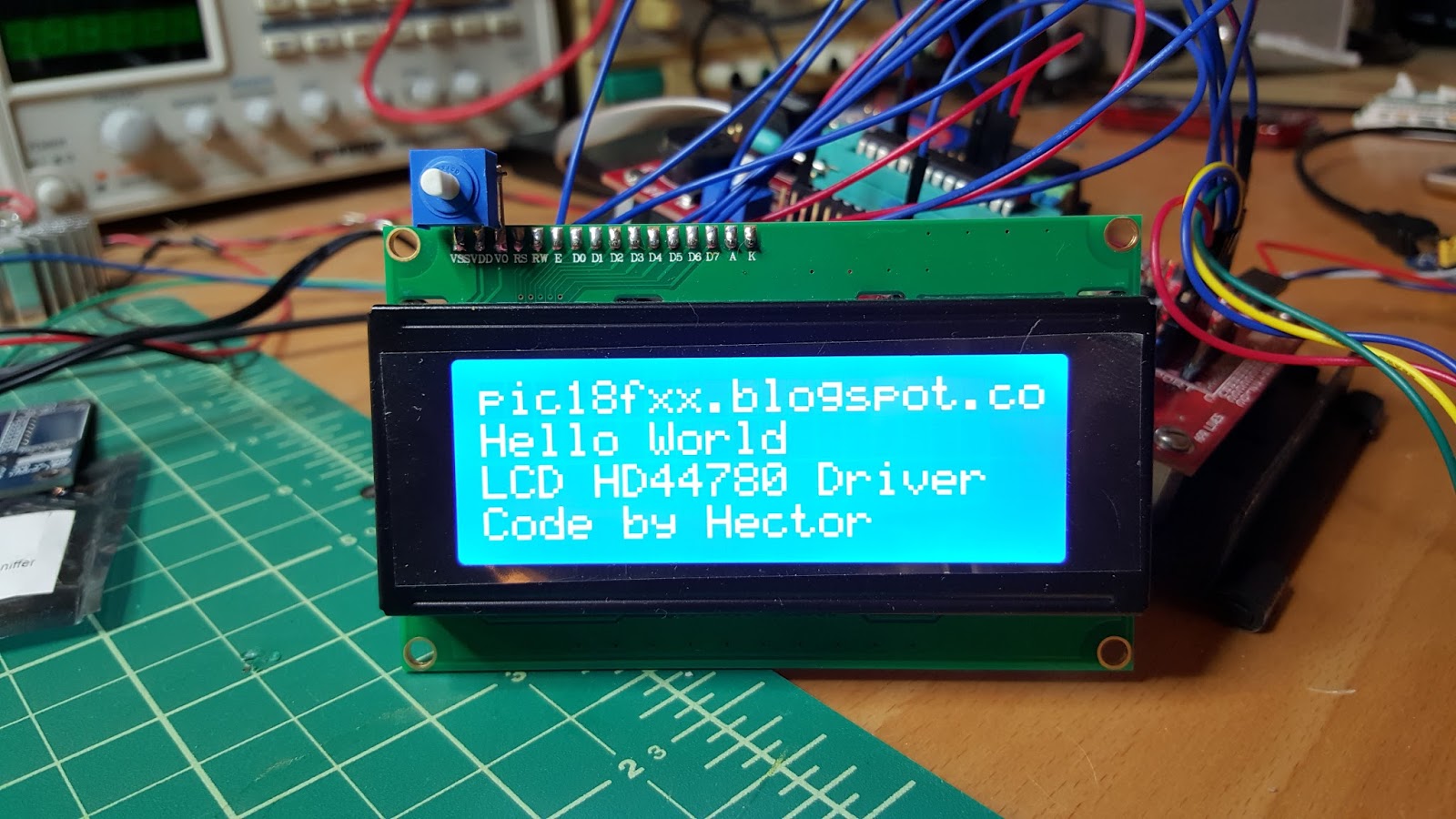
Video.
Description of library.
void Lcd_Init(void)
This function initializes the Lcd module.
Note: You can change the connection of lcd module in hd44780.h file.
Example:
Lcd_Init();
Lcd_Command(LCD_CLEAR);
void Lcd_ConstText(y, x, buffer)
This function prints text constant on the Lcd.
- y: Starting position row number. Valid values: 1, 2, 3, 4
- x: Starting position column number. Valid values: 1..20
- buffer: Byte of array
Lcd_ConstText(2, 1, "Hello World");
void Lcd_Text(y, x, buffer)
This function prints text on the Lcd.
- y: Starting position row number. Valid values: 1, 2, 3, 4
- x: Starting position column number. Valid values: 1..20
- buffer: Byte of array
int i = 50;
char buffer1[20];
sprintf(buffer1,"%3d",i);
Lcd_Text(1, 1, buffer1);
void Lcd_WriteChar(y, x, c)
This function prints a character on the Lcd.
- y: Starting position row number. Valid values: 1, 2, 3, 4
- x: Starting position column number. Valid values: 1..20
- c: Character to be written
Lcd_WriteChar(1, 4, 'H');
void Lcd_CharCP(c)
This function prints text on Lcd at current cursor position.
- c: character to be written
Lcd_CharCP('R');
void Lcd_Command(command)
This function sends command to Lcd.
- command: command to be sent
Lcd_Command(LCD_BLINK_CURSOR_ON);
// Note: All commands available are in file hd44780.h
Schematic.

Direct Download.
Schematic.


